Redact screenshots before you post them
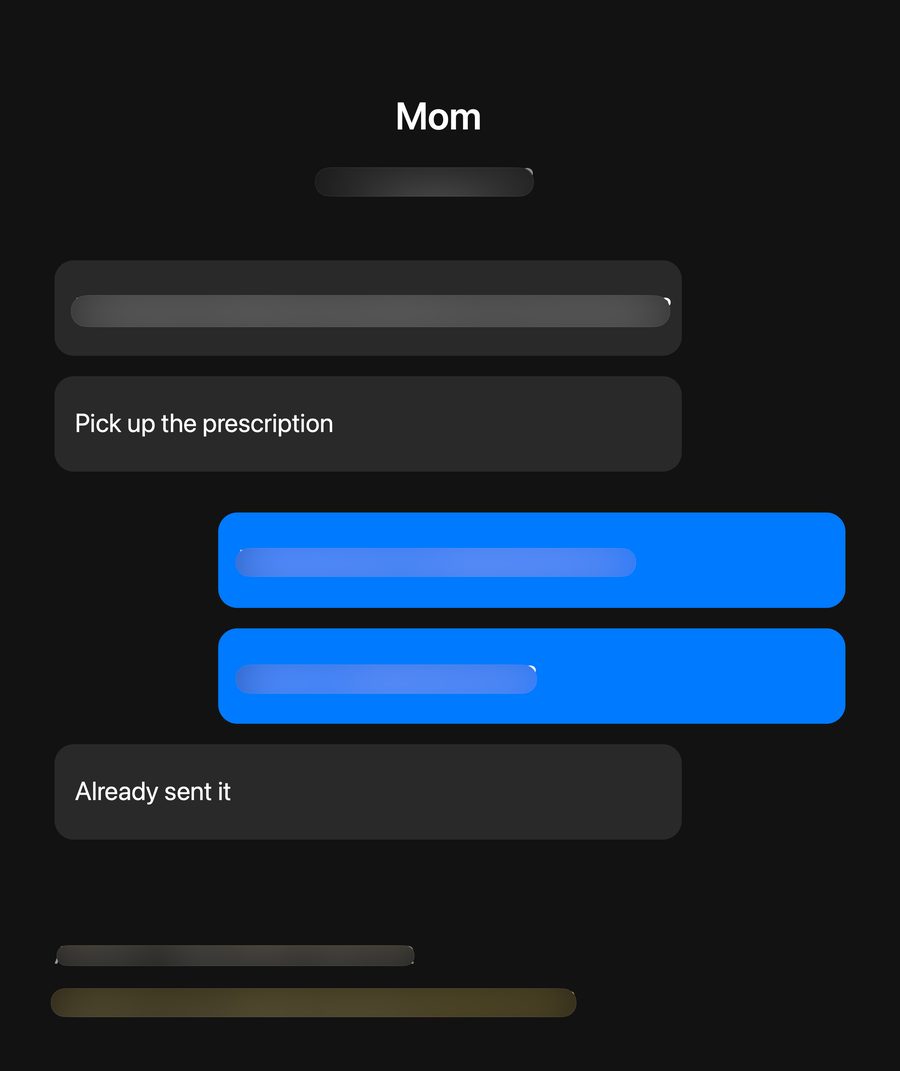
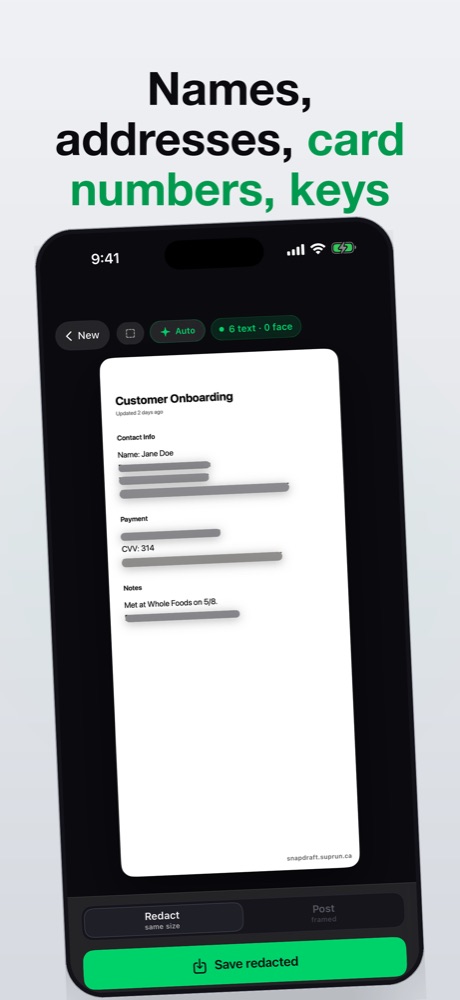
Snapdraft finds the phone numbers, emails, addresses, API keys and faces in an iPhone screenshot and blurs them for you — on the device, in about a second. Check its work, then copy, share or save.
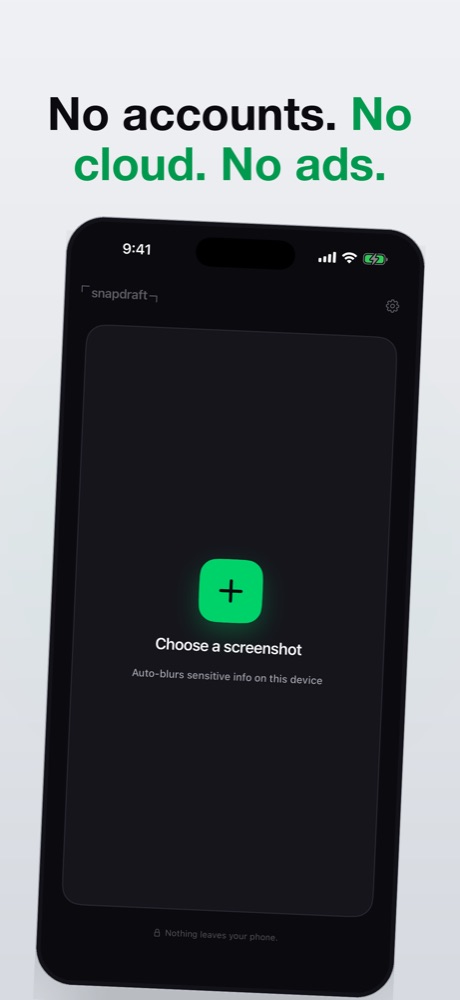
Free, iPhone and iPad, iOS 17+. No account, no ads, nothing uploaded.
What it looks for
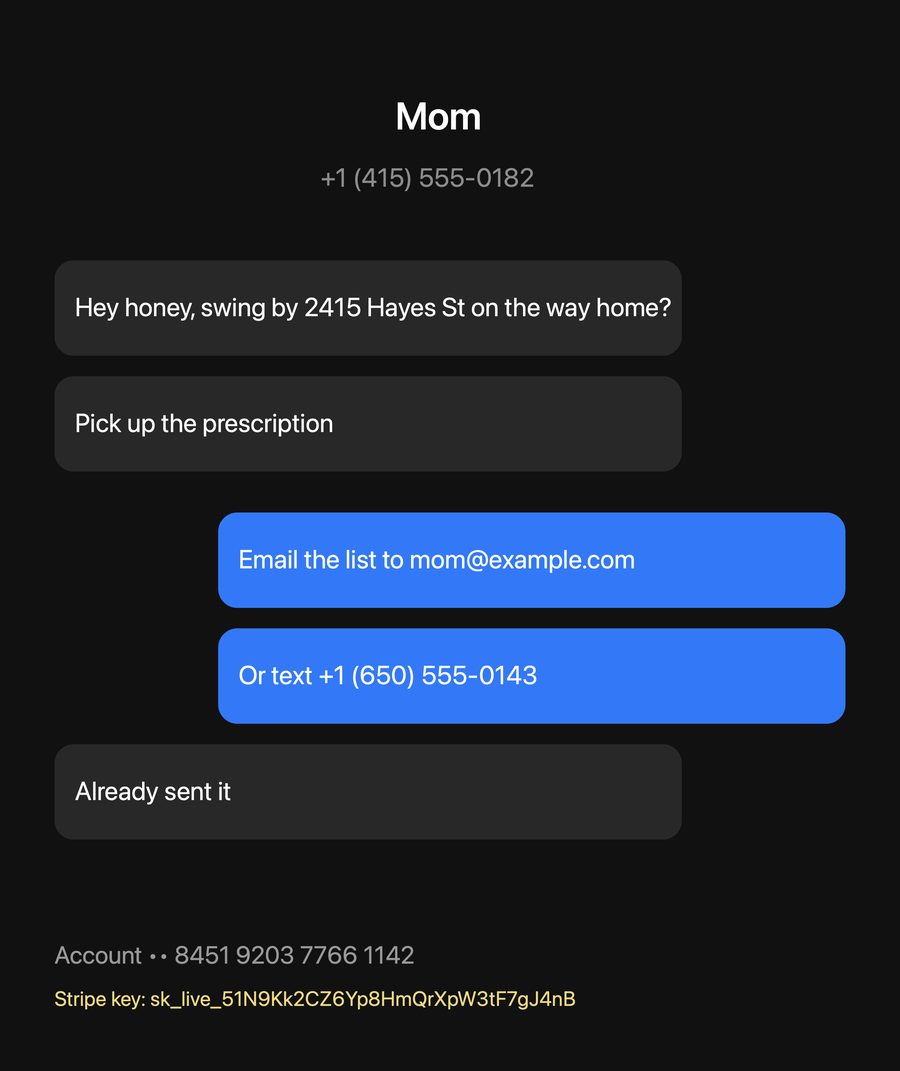
- Phone numbers
- Emails
- Street addresses
- Card & account numbers
- API keys & tokens
- Names
- Faces
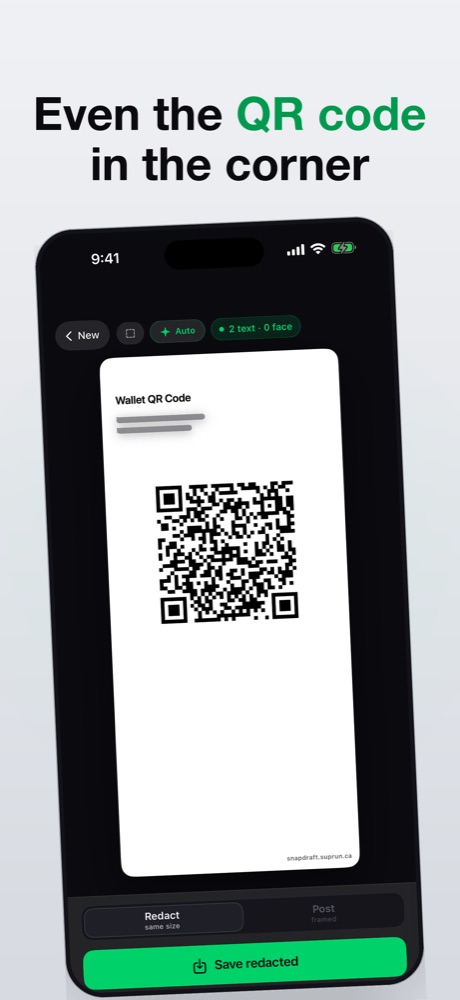
- QR codes
Detection is Apple's Vision framework plus pattern rules for things like Stripe, AWS and OpenAI keys. It is fast and it is good, and it is not perfect — so everything it finds is shown to you first. Tap a blur to remove it, drag across anything it missed.
How it works
- Pick, paste or drop a screenshot. The picker opens on your screenshots, newest first — or use the Redact Image action from any share sheet via Shortcuts.
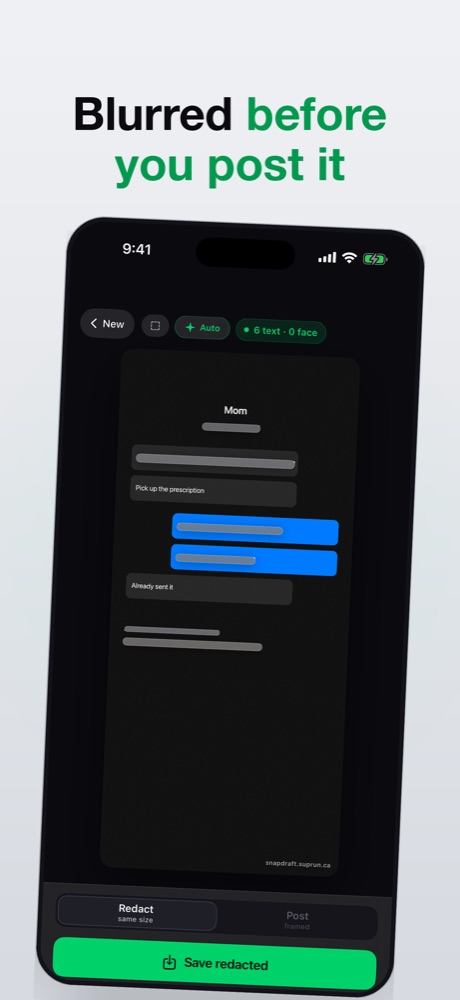
- It is already blurred. Detection runs on the iPhone; nothing is sent anywhere.
- Check its work. Tap to remove, drag to add, long-press a face to swap its cover.
- Copy, share or save. Original size, ready to paste into Slack, Messages or an email. Copy needs no Photos permission.
On the device
Vision OCR, face and barcode detection run on your iPhone. It works in airplane mode.
Two ways to save
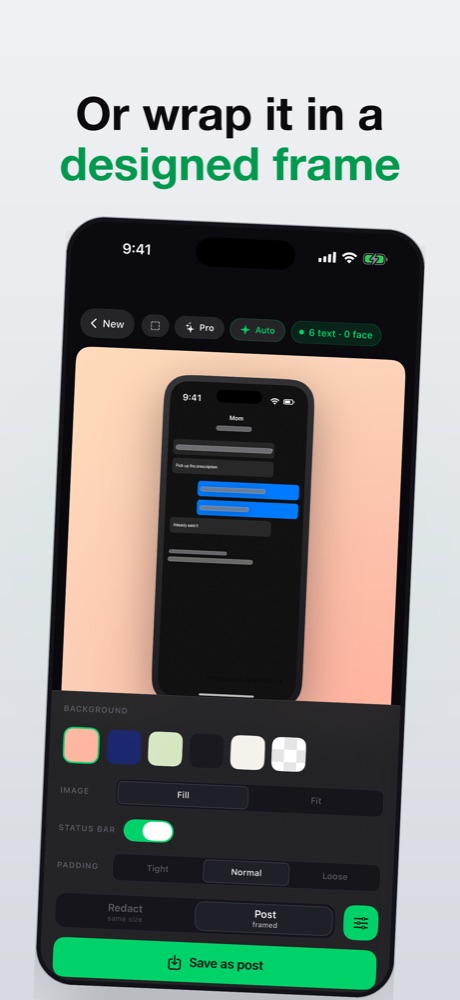
Redact keeps the original size. Post wraps it in an iPhone frame on a designed background.
A real blur
A heavy Gaussian blur baked into the pixels of the saved file — not a shape someone can move.
Free, one optional unlock
No feature is locked. Saved images carry a small snapdraft.suprun.ca mark; a one-time purchase removes it. No subscription.
Privacy you can audit
The App Store privacy label reads "Data Not Collected", and it is the only honest answer: there is no account, no analytics SDK, no crash reporter that phones home, and no server for a screenshot to go to. See the privacy policy.
Doing it without an app
iPhone can already cover part of a screenshot, and for one phone number in one image that is genuinely enough — the steps are in how to blur something in a screenshot on iPhone, along with the two mistakes that make it fail. Snapdraft is for when you do this often enough that missing the second thing is the real risk.

Questions? Support and FAQ · every release, dated